Guthly + Fitbit: Complete Health Tracking in One Place
Sync your Fitbit steps, sleep, heart rate, and activity data with Guthly's habits, workouts, and nutrition tracking for a 360° health view.
Guthly Team
Product Team

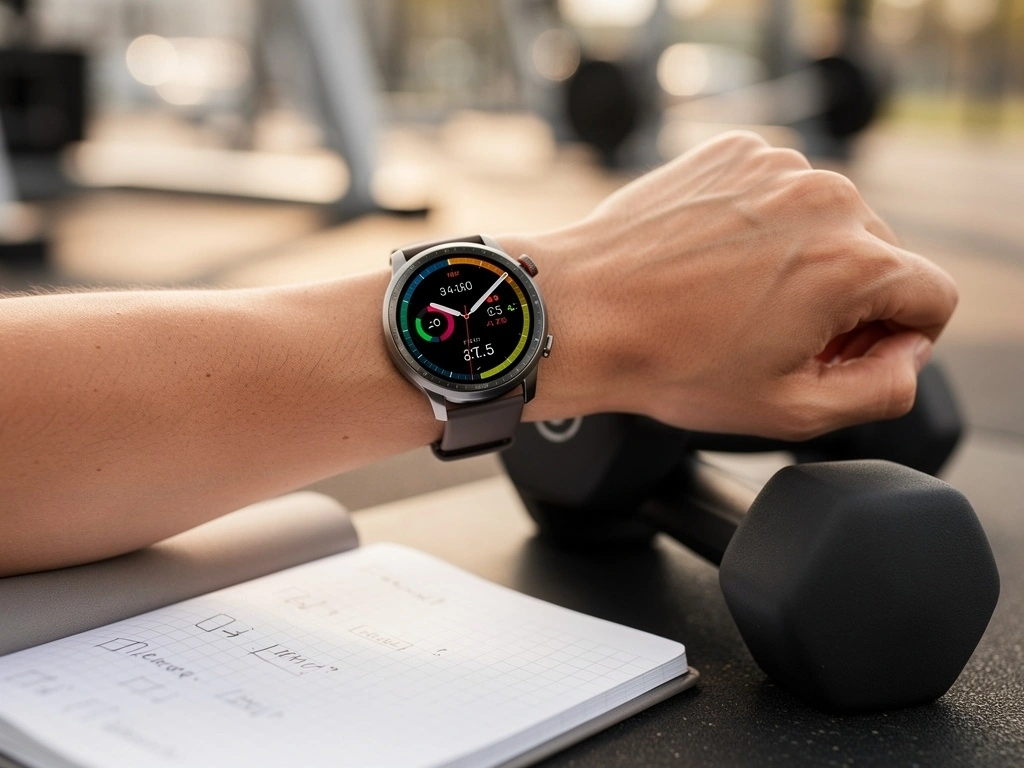
Fitbit has been a household name in fitness tracking for over a decade, making health monitoring accessible to millions with its intuitive step counting, heart rate tracking, and sleep analysis.
By connecting Fitbit to Guthly, you unlock a powerful combination: Fitbit's continuous health monitoring paired with Guthly's habit tracking, workout logging, nutrition analysis, and AI-powered insights. Your Fitbit data finally has a home where it can be combined with the rest of your wellness picture.
Whether you're a long-time Fitbit user or just starting out, this integration turns passive data collection into active personal improvement.
What Syncs
All the health data Guthly pulls from your Fitbit automatically.
Daily Steps
Step count, distance, and hourly activity patterns throughout the day
Active Minutes
Minutes in fat burn, cardio, and peak activity zones
Heart Rate Zones
Resting heart rate, zone minutes, and heart rate variability trends
Sleep Stages
Light, deep, and REM sleep stages with sleep score and consistency
SpO2 Levels
Blood oxygen saturation tracked overnight for wellness insights
Calories Burned
Total daily calorie expenditure including basal metabolic rate and activity
Floors Climbed
Elevation data from stair climbing and hiking activities
Water Intake
Logged water consumption synced to track hydration habits
How to Connect
Four quick steps to link your Fitbit with Guthly.
Open Guthly Integrations
Go to Settings > Integrations in the Guthly app and locate the Fitbit integration card.
Sign In to Fitbit
Tap "Connect Fitbit" and log in with your Fitbit (Google) account. Grant Guthly permission to read your health data.
Choose Your Data
Select which data types you want to sync: steps, heart rate, sleep, SpO2, calories, floors, and water intake.
Enjoy Automatic Sync
Data flows from Fitbit to Guthly automatically. Your recent history is imported so you can start analyzing trends immediately.
What You Can Do
Here's what becomes possible when Fitbit meets Guthly.
Build Step-Based Habits
Set daily step goals as habits in Guthly and let your Fitbit data automatically check them off. No manual logging needed — your steps speak for themselves.
Optimize Sleep with Habit Correlation
Guthly's AI analyzes how your evening habits — screen time, caffeine, exercise timing — correlate with your Fitbit sleep stages. Get personalized tips to improve sleep quality.
Nutrition + Calorie Balance
Combine Fitbit's calorie burn data with Guthly's nutrition tracking to see your true energy balance. Know exactly whether you're in a surplus or deficit each day.
Heart Rate Zone Training
Track how your Fitbit heart rate zone minutes change over time as you adjust your workout habits in Guthly. See the direct impact of consistency on cardiovascular fitness.
Holistic Wellness Dashboard
View your Fitbit biometrics alongside your Guthly habits, workouts, and nutrition in one unified dashboard. No more switching between apps to understand your health.
Pro Tips
Maximize the value of your Fitbit + Guthly integration.
Wear Your Fitbit to Bed
Sleep tracking is one of the most impactful data sources. The more consistent your sleep data, the better Guthly's AI can identify patterns and recommend improvements.
Log Water in Fitbit or Guthly
If you already log water intake in Fitbit, it syncs to Guthly automatically. No need to double-log. Pick one app and stick with it for consistency.
Set Active Minutes Goals
Create a "30 active minutes" habit in Guthly. Fitbit's active zone minutes data will help track whether you hit this goal each day without manual effort.
Check Your Weekly Trends
Guthly's weekly summary combines Fitbit data with your habit and nutrition logs. Review it every Sunday to plan adjustments for the coming week.
Frequently Asked Questions
Which Fitbit devices work with Guthly?
All Fitbit devices that sync to the Fitbit app are compatible, including Charge, Sense, Versa, Inspire, and Luxe series. If it shows up in your Fitbit app, Guthly can pull the data.
Fitbit was acquired by Google. Does Guthly work with the Google Fitbit app?
Yes. Guthly integrates through the Fitbit Web API, which continues to work whether you use the classic Fitbit app or the newer Google Fitbit experience. Your login may use a Google account.
How far back does the initial sync go?
When you first connect, Guthly imports up to 30 days of historical Fitbit data. This gives the AI enough history to start generating meaningful insights and trend analysis right away.
Will connecting Guthly affect my Fitbit data?
No. Guthly only reads data from Fitbit — it never writes or modifies anything. Your Fitbit data remains exactly as it is in the Fitbit app.
Can I connect both Fitbit and another wearable to Guthly?
Yes. Guthly supports multiple integrations simultaneously and handles deduplication intelligently. If you switch from Fitbit to another device, your historical data is preserved and new data flows in from the new source.