Guthly + Apple Watch: Track Workouts & Health from Your Wrist
Use your Apple Watch with Guthly to track workouts, log habits, and get real-time health data synced seamlessly to your dashboard.
Guthly Team
Product Team
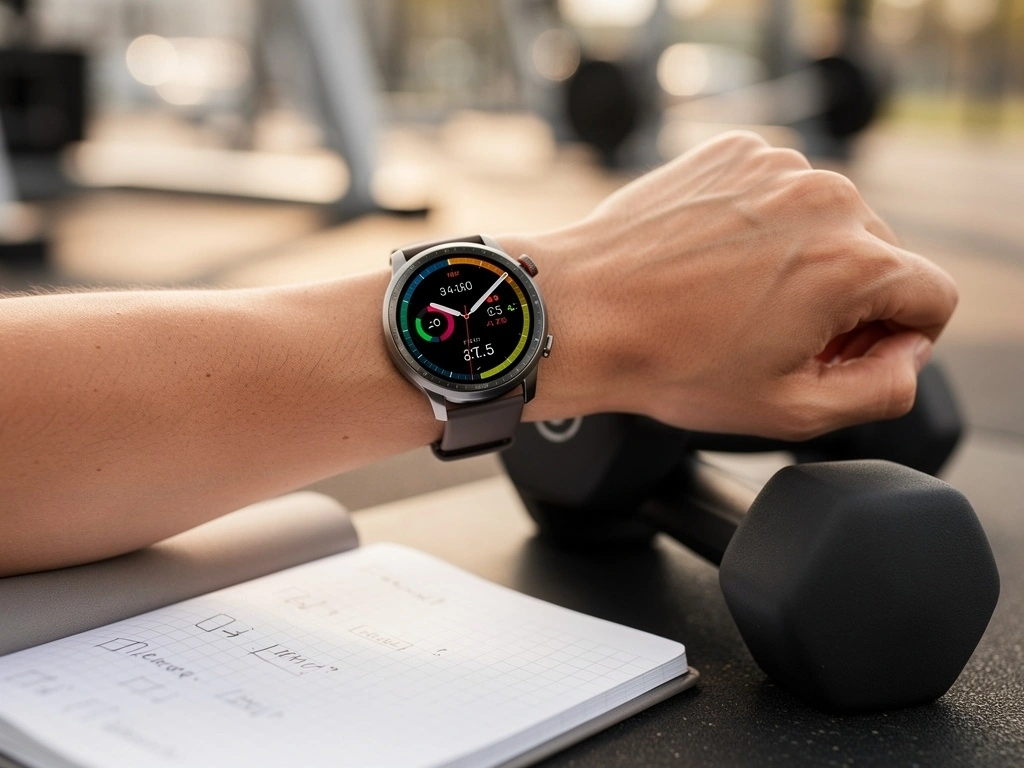
Apple Watch is the world's most popular smartwatch — and for good reason. It tracks workouts, heart rate, calories, steps, sleep, and more, all while sitting on your wrist. With HealthKit at its core, it's the hub of the Apple health ecosystem.
The Guthly integration goes deeper than just syncing data. There's a full Guthly app on Apple Watch — meaning you can log habits, control workouts, and check your streaks without ever pulling out your phone.
Apple Watch provides the health data. Guthly provides the structure, habits, nutrition tracking, and AI insights. Together, they turn raw numbers into actionable daily guidance.
What Syncs
Workouts
All workout types synced with duration, calories, and heart rate zones
Heart Rate
Resting, active, and recovery heart rate throughout the day
Calories
Active and total calorie burn from the Activity ring
Steps
Daily step count tracked automatically
Stand Hours
Hourly stand goal progress from the Stand ring
Exercise Minutes
Minutes of elevated heart rate activity from the Exercise ring
VO2 Max
Estimated cardiorespiratory fitness level over time
Sleep Data
Sleep duration, stages, and quality from watchOS sleep tracking
Guthly on Your Wrist
Beyond data syncing, Guthly has a dedicated Apple Watch app for quick actions throughout your day.
Quick Habit Logging
See today's habits and tap to complete them. Haptic feedback confirms each check-off. Supports complications for one-tap access.
Workout Control
Browse your workout plan, start a session, log sets and reps, and rest timer — all from your wrist. Heart rate displays in real time.
Streak Dashboard
Glanceable view of your current habit streaks and daily progress. Add as a Watch complication to see it every time you raise your wrist.
Smart Notifications
Get gentle reminders for habits you haven't completed yet. Notifications are time-aware and respect your Do Not Disturb settings.
How to Connect
Install Guthly on Apple Watch
Download the Guthly app from the App Store on your iPhone. The Watch app installs automatically to your paired Apple Watch.
Grant HealthKit Permissions
When prompted, allow Guthly to read and write Apple Health data. This is how workout and health metrics flow between the apps.
Enable Background Sync
In Guthly settings, turn on background HealthKit sync so your data updates automatically without opening the app.
Customize Your Watch Face
Add the Guthly complication to your Watch face for at-a-glance habit streaks and workout shortcuts.
Start Using It
Log habits from your wrist, start workouts, and let Apple Watch health data flow into Guthly's analytics automatically.
What You Can Do
Log habits directly from your wrist
The Guthly Apple Watch app lets you check off habits without reaching for your phone. Morning routine, water intake, medication — just tap and go.
Start and control workouts from Apple Watch
Begin a Guthly workout session from your Watch with full heart rate tracking. See your current set, log reps, and move to the next exercise without touching your phone.
Correlate activity rings with habit consistency
See how closing your Apple Watch rings relates to your Guthly habit streaks. The most consistent habit-trackers often close all three rings — and the data proves it.
Track how cardio fitness evolves with training
Apple Watch VO2 max estimates combined with your Guthly workout log show whether your programming is actually improving your fitness over weeks and months.
Pro Tips
Use the Guthly Watch complication
Add Guthly to your Watch face so you can see habit progress at a glance. The complication shows your completion percentage and tapping it opens the quick-log view instantly.
Let Apple Watch handle cardio, Guthly handle strength
For cardio sessions, start the workout from Apple Watch for accurate calorie and heart rate tracking. For strength training, use Guthly's Watch app to log sets and reps while Apple Watch captures heart rate in the background.
Review combined data weekly
Every Sunday, check Guthly's weekly summary that merges your Apple Watch activity data with your habit completion, workout volume, and nutrition. It's the most complete picture of your week.
Enable sleep tracking for full-cycle insights
Wear your Apple Watch to bed and enable sleep tracking in watchOS. Guthly will pull in your sleep data and correlate it with next-day workout performance and habit adherence.
Frequently Asked Questions
Which Apple Watch models are supported?
Guthly supports Apple Watch Series 4 and later running watchOS 9 or newer. Older models may work for basic features but won't support all health metrics like VO2 max or sleep staging.
Does the Apple Watch app work without my iPhone nearby?
Yes. The Guthly Watch app works independently for habit logging and workout tracking. Data syncs to your iPhone (and then to the cloud) the next time the devices connect via Bluetooth or Wi-Fi.
How does Guthly handle data from both Apple Watch and Apple Health?
Guthly reads from Apple HealthKit, which aggregates data from Apple Watch and any other connected sources. Guthly intelligently deduplicates so you never see double-counted steps, calories, or workouts.
Can I use Guthly with Apple Watch and another wearable like WHOOP?
Absolutely. Many users wear an Apple Watch during the day and a WHOOP band at night (or vice versa). Guthly merges data from all connected integrations into a single, unified timeline.
Does Guthly write workout data back to Apple Health?
Yes. Unlike most integrations, the Apple Watch connection is bidirectional. Workouts logged in Guthly are written back to Apple Health so they count toward your Activity rings and appear in the Fitness app.